Fits your toolchain
KRON sits between the CAD your detailers already use and the machines on your floor. No connectors to install and no middleware — files in, files out.
PDF export is on every plan. Excel import starts at Small Workshop; DSTV starts at Pro; the CNC result is an add-on from Pro and included from Factory; STEP/IGS is included from Factory and available as an add-on from Small Workshop up — the comparison matrix is the authority on which tier carries what.
From your CAD into KRON
Tekla Structures — DSTV (NC1)
The main route in. KRON Cutting reads the geometry, profile, material and cut angles from each NC file and matches them against the standards you have selected, adding any profiles and materials it finds to the drawing set as it goes.
Automatic "part abutment" splice restrictions depend on export settings in Tekla — see the Quick Guide.
Export settingsSTEP / IGS
Parts recognised from solid (brep) geometry. Single parts only, not assemblies. Neither format carries quantity or material, so KRON opens a Recognised Parts window to collect both before the parts join the set.
Excel
Warehouse stock loads from a spreadsheet, so you can start cutting against what you already hold without re-entering the rack by hand.
Out to your machines and your paperwork
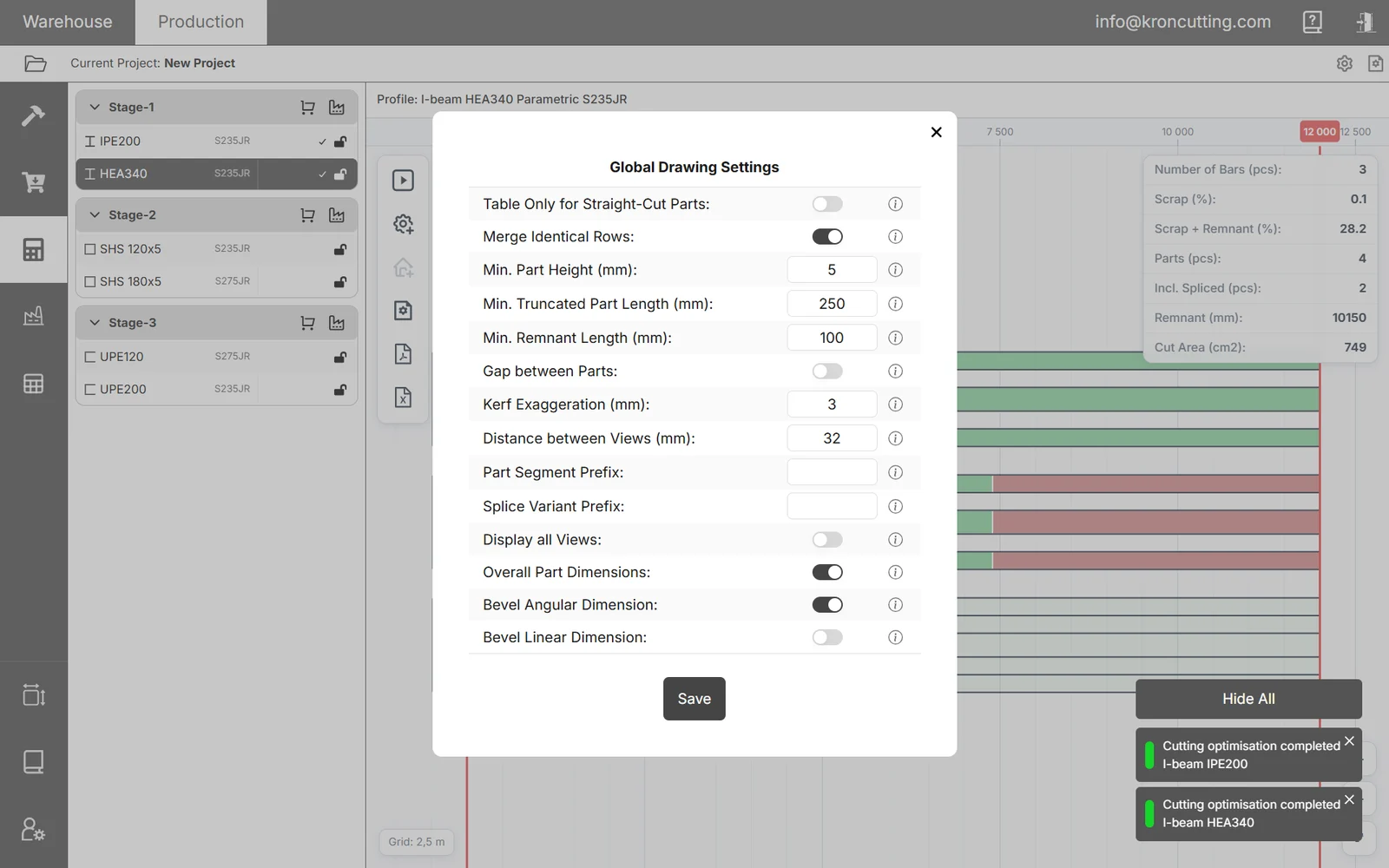
What comes out is designed to be used, not re-drawn — with the level of detail set by you rather than by the software.
- PDFCutting drawings and cutting lists for the saw operator, with detailed control over what appears on them.
- Excel (XLSX)Cutting lists, procurement requests and any warehouse document, exported for printing or for your own systems.
- STEP / IGSCutting results exported as solid geometry for downstream processing in software such as Tubest.
- CNC resultWith a CNC machine selected, the run produces a downloadable CNC result alongside the cutting list, using each part's natural length and original geometry.
Your profile catalogue
Pick the standards you work with once in the Standards Manager, and they apply automatically to every new project. KRON currently ships EN, Indian and South African standards catalogues.
Anything not in a catalogue goes in the Custom Profiles Manager: choose the profile type, give it a name, a standard and its parameters, and it appears alongside the catalogue profiles from then on.
Missing a standard entirely? Send it to support@kroncutting.com and it will be added to the system.
The same profile arrives under different material names depending on the supplier and the standard. KRON keeps a name and an optional alias for each material, so the grade your project specifies and the grade that turned up on the truck are the same thing.
Save a set of materials as a preset and it is applied automatically to every new warehouse and drawing set.
One system for your metal-cutting floor
It runs in your browser — nothing to install on shop machines. Accounts open shortly; tell us about your shop and we will come to you first.